
Multi-store WooCommerce inventory
Several WooCommerce stores, one catalogue. IAPZ Small Business, from $29 a month.
- One set of items for every store
- Choose which items each store sells
- Sizes and colours sent as WooCommerce variations
- Shared stock, so no store sells what's gone
- Every order back as a sale under its store's brand
- No WordPress plugin, no spreadsheets to upload
Sign-up opens soon · 14-day free trial · Every feature on every plan
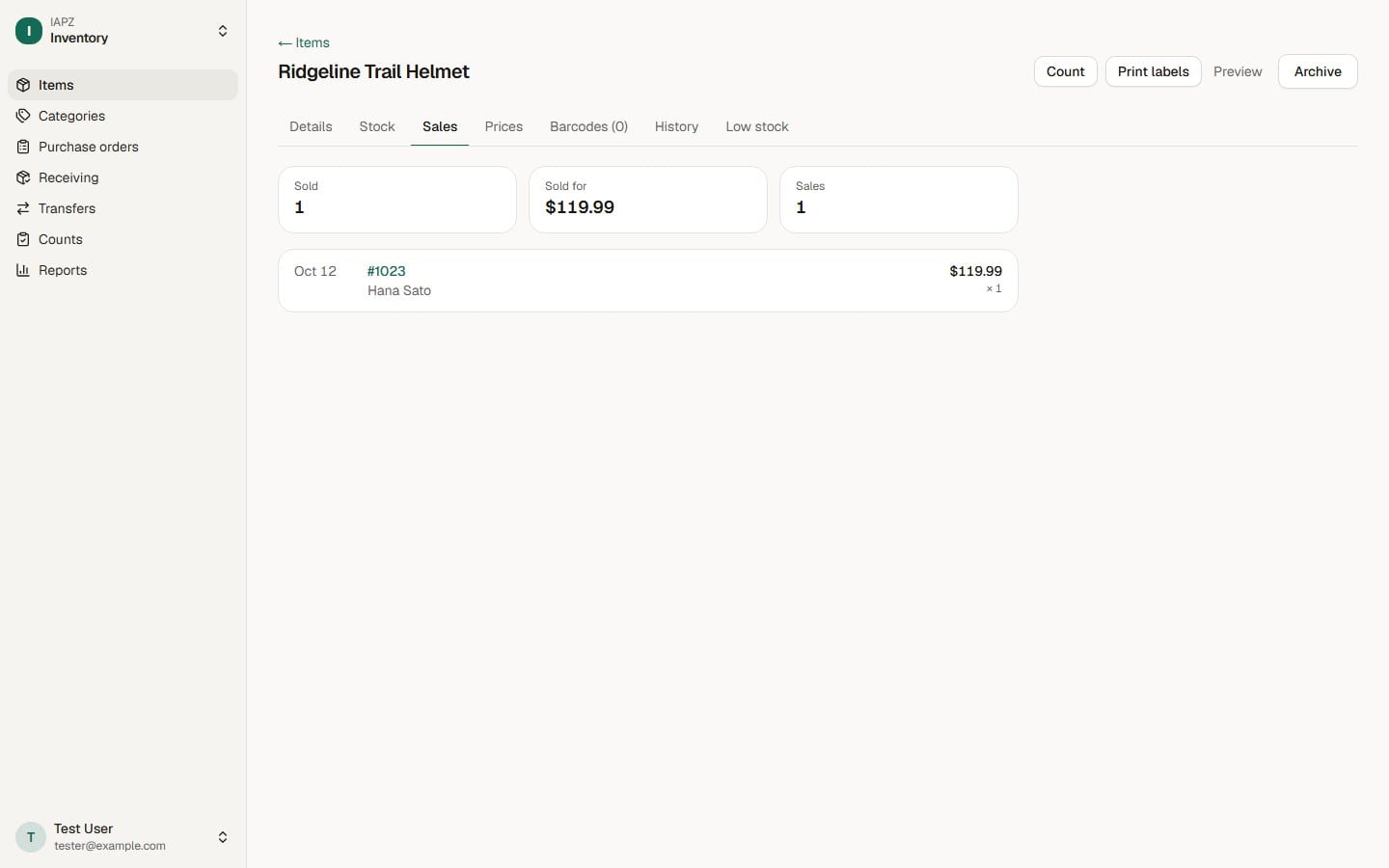
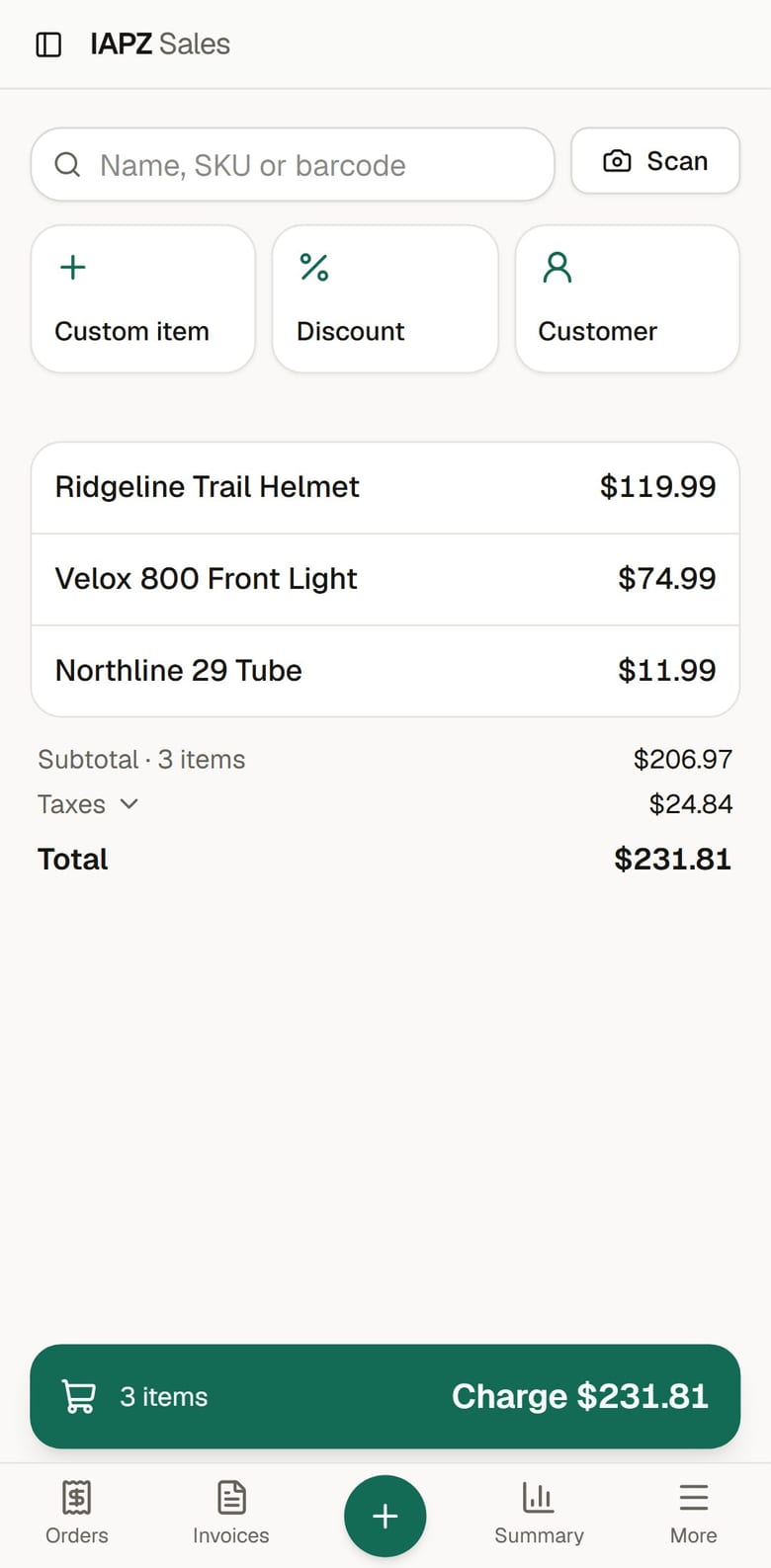
Make it once, sell it everywhere
Each item's name, price, description, photos, category and stock go to every store that sells it. Change it in IAPZ and every store follows within about a minute.
Each store sells its own range
Each store belongs to one of your brands. Tick the brands an item is sold under, or leave them all unticked to sell it everywhere, and switch it on or off for each store.
Sizes and colours included
A product with options goes to each store as one variable product, with a variation for every size or colour, each with its own price, SKU, stock and photo.
One stock count across stores
Stores that take stock from the same location share it. A sale on any store, or in your shop, takes from it, and every store gets the new number.
Or keep their stock apart
Each store chooses the location its stock comes from, so a store can sell from its own shelf or warehouse while another sells from the shop.
Every order, one place
Each store's orders come back as sales under its brand, so you see each store's sales on its own or all together, and pack and ship them all from one list.
Print on demand too
Printful's products go to your stores as variable products too, and the printed items in each order are sent to Printful to be made and shipped.
Matched before anything changes
Connecting an existing store, IAPZ matches its products to your items by SKU or name and shows you the list before it sends anything.
How it works
Put your items in IAPZ
Add your items with their prices, photos, categories and stock, with sizes and colours as products with options. Or import them, or bring them in from a store when you connect it.
Make a brand for each store
In Settings › Brands, choose Add a brand for each store, with its name. Starter has 1 brand, Business 3 and Pro as many as you like.
Choose what each store sells
On an item's Details tab, tick the Brands it's sold under, or leave them all unticked to sell it everywhere. Tick many items in the list and choose Edit to set them at once.
Connect each store
Make a Read/Write key in each store's WooCommerce settings, then in Settings › WooCommerce choose Connect a store, its brand and where its stock comes from. IAPZ shows the matches before sending anything.
Bring in each store's orders
On each store's Orders tab, choose the first day and Start bringing in orders. Each order becomes a sale under its brand, and you ship them all from Sales › To ship.
Change things once
Change an item's price, photos or stock in IAPZ and every store that sells it follows. Its Online store switch takes it off one store as a draft, never deleted.
Several WooCommerce stores, one catalogue
Each store sells the items you choose for its brand, from the same items and stock in IAPZ. Every order comes back as a sale under its store's brand, and takes stock for all of them.
One catalogue, everywhere you sell
Change an item once and every place you sell follows. Every sale, wherever it happens, comes back to IAPZ and takes the same stock.
Who it’s for
A niche store for each audience
Run a t-shirt shop for each audience from one set of items, with each store selling only its own range.
Several brands in one business
Each brand has its own store and its own sales, and you see them one at a time or all together.
Stores sharing one stockroom
Stores that take stock from the same location share its count, so the last one sold on any store shows as gone on the others within about a minute.
A separate shelf for each store
Choose a different location for each store, and each sells only what's on its own shelf.
A shop counter as well
A sale in your shop takes from the same stock, and every store gets the new number.
Questions
- How long does it take to set up?
- About ten minutes per store once your items are in IAPZ. How to sync inventory across several WooCommerce stores
- Can stores share stock, or keep it apart?
- Either. Stores that take stock from the same location share one count. Choose a different location for each to keep their stock apart.
- How do I ship orders from several stores?
- Pack and ship them all from Sales › To ship. Each WordPress order gets its tracking and is marked Completed.
- How many stores can I run?
- One for each of your brands. Starter has 1 brand, Business 3 and Pro as many as you like. Extra WooCommerce stores on any plan, at $9 a month each with their own brand, are coming soon.
- Do I need a WordPress plugin?
- No. You make a key in each store's WooCommerce settings and paste it into IAPZ, which checks it and keeps it encrypted.
- Can a product be on some stores and not others?
- Yes. Tick the brands it's sold under, then switch it on or off for each of those brands' stores. Off makes it a draft on that store, never deleted.
- Can each store charge a different price?
- Not yet. Every store gets the item's retail price, and price levels like wholesale stay in IAPZ.
- Do I see each store's sales separately?
- Yes. Every sale belongs to its store's brand, so you can see one brand's sales on their own, or all of them together.
- What if I stop?
- Disconnect a store, and it keeps its products as they are. Sales already brought in stay in IAPZ.
How it works
Step by step, in the help.
- Your WooCommerce store Connect a brand's WooCommerce store, keep its products in step with your items, and bring its orders in as sales.
- How to sync inventory across several WooCommerce stores Run several WooCommerce stores from one set of items: a brand for each store, the items each one sells, shared or separate stock, and every order in one place.
- Products with options Sell one product in several sizes, colours or thicknesses, each its own item with its own price, cost, stock and shipping.
Every feature on every plan
Choose the size that fits your shop. Pay monthly, or yearly for two months free.
Prices in Canadian dollars, plus sales tax.